PDF to PPT Converters 2026 — Hands-On Test
Published 2026-01-08 · Updated 2026-06-25
7 min read
Written by Shyam Das Mallya
Reviewed by ExactPDF Product QA
Tested and source-checked on 2026-06-18
Method: Converted a two-page controlled PDF through ExactPDF on macOS using Chromium, verified the generated PPTX completion state, and checked competitor capabilities against current vendor documentation. No confidential document was uploaded to a third-party converter.
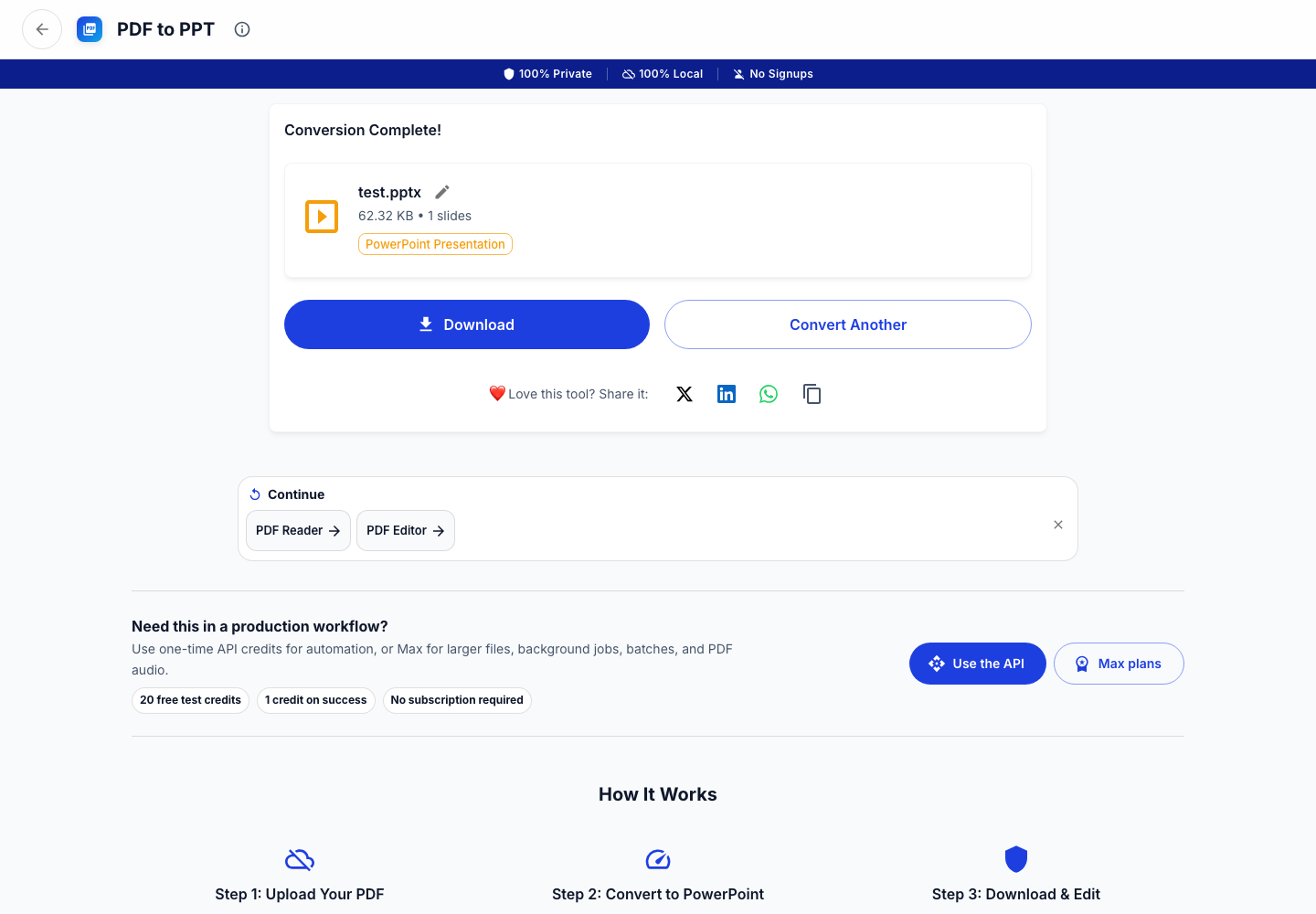
What we actually tested
On June 18, 2026, we converted a controlled two-page PDF with ExactPDF PDF to PowerPoint on macOS in Chromium. The workflow reached “Conversion Complete” and produced a PPTX download state.
We did not upload the fixture to every cloud competitor. Adobe, iLovePDF, and Canva capabilities below are based on their current primary documentation, linked in the evidence panel above.
The key distinction: visual fidelity vs editability
A PDF stores positioned page content, not PowerPoint objects. A converter can:
ExactPDF currently favors the first approach. That is appropriate when you need a presentation copy that looks like the PDF. It is not the right promise if you need every chart, paragraph, and shape reconstructed as native PowerPoint content.
Capability comparison
| Tool | What the vendor offers | Practical fit |
|---|---|---|
| ExactPDF | Browser-local PDF-to-PPT workflow; tested to completion on June 18 | Private visual slide conversion |
| Adobe Acrobat | Official PDF export to Microsoft PowerPoint | Users prioritizing document reconstruction and Acrobat workflows |
| iLovePDF | Online PDF-to-PowerPoint conversion | Quick cloud conversion when upload is acceptable |
| Canva | PDF import into a design editor | Redesigning or presenting imported pages rather than strict document conversion |
Test result
The controlled ExactPDF fixture completed successfully. The generated deck should be treated as a visually faithful starting point, not proof that all source elements remain independently editable.
Before converting a real document, decide which failure is less costly:
Recommended workflow
Related local conversion paths
If the PowerPoint result is only one step in a larger workflow, keep the same document local and move to the next ExactPDF tool:
Bottom line
There is no universal “best” converter. Choose based on whether you need local processing, visual fidelity, or editable PowerPoint objects—and verify the actual output before presenting it.
Try PDF to PowerPoint
Create a private image-based PowerPoint with one slide per PDF page.
Open ToolFound this helpful?
❤️ Love ExactPDF? Share it with friends
Related Articles
Turn each PDF page into a full-slide image in a PowerPoint file. No upload required and the original page appearance stays intact.
Convert PDF to any format and any format to PDF. Complete guide to PDF conversion.
Convert PDF to editable Word documents. Free, no upload, works with scanned PDFs using OCR.